SewerSheets for Bulk Data Editing
Last updated: April 15, 2026
SewerSheets allows you to quickly make bulk edits to inspection data directly within PIONEER—no CSV export required.
Use SewerSheets when you need to:
Update customer names
Correct pipe materials
Fill in missing fields (e.g., manhole cover sizes)
Make large-scale data edits across inspections
Note: SewerSheets is available to Admin and Editor/Inspector roles only.
Where to Find SewerSheets
In the PIONEER web app:
Navigate to your project or inspections view
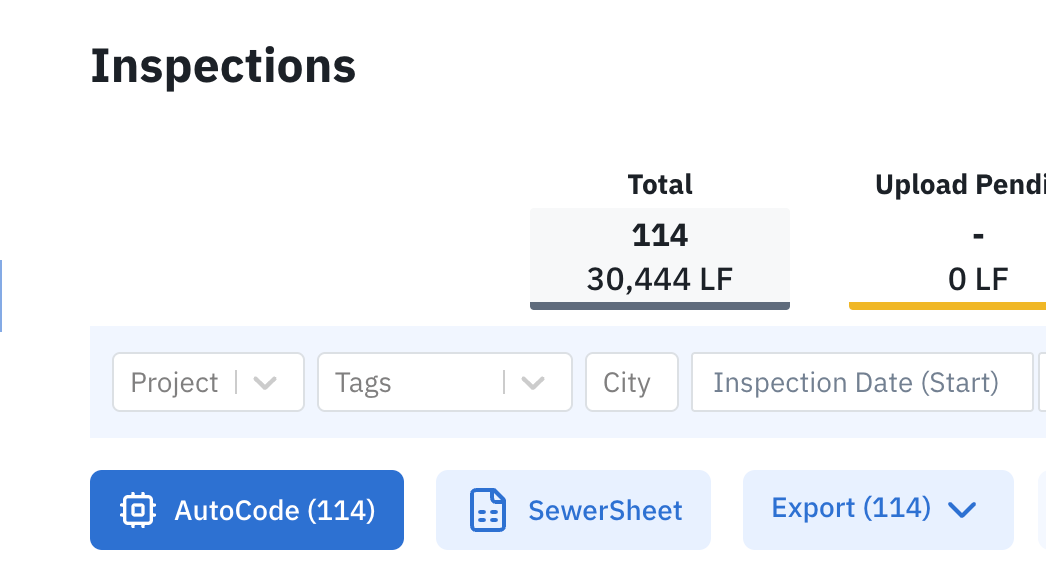
Locate “SewerSheets” between the AutoCode and Export buttons
How to Use SewerSheets
Select a project or apply filters to define the dataset you want to edit
Click the SewerSheets button
A spreadsheet-style table will open with your data
Editing Data
Click into any cell to edit values directly
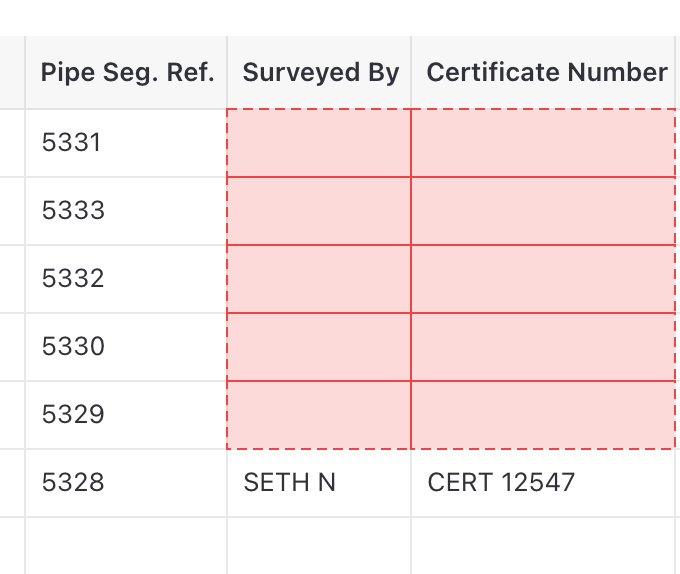
Red cells indicate required fields
Use Ctrl + C / Ctrl + V to copy and paste values
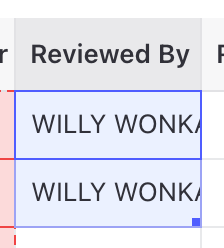
Use drag handles to quickly fill or copy data (similar to Excel)
Use Undo (Ctrl + Z) to revert changes if needed
Customizing Your View
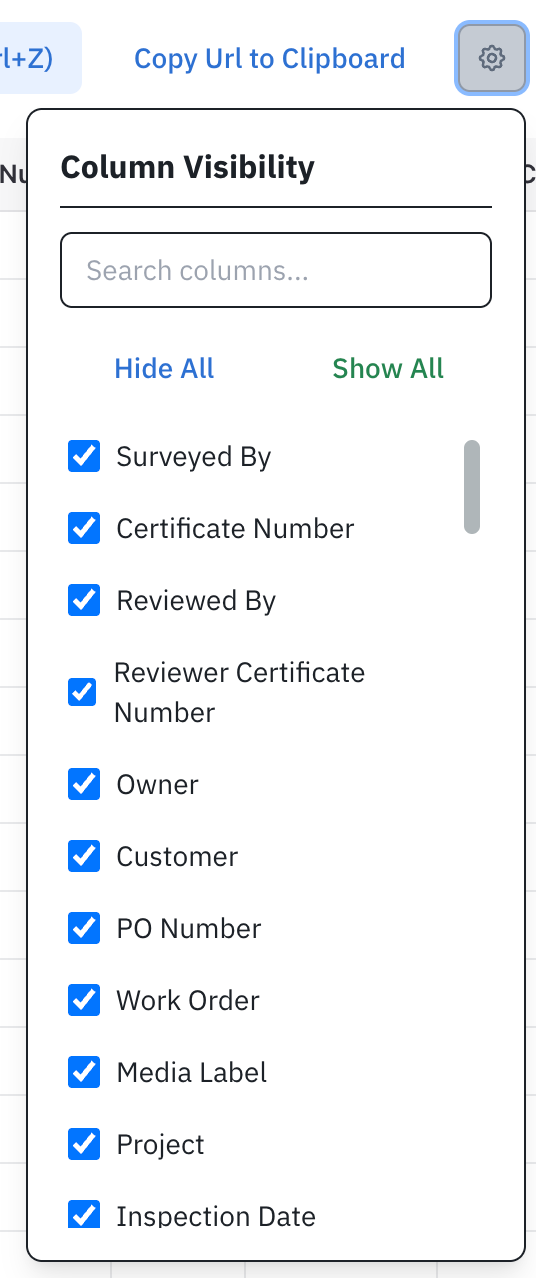
Click the gear icon to choose which columns are visible
Use filters before opening SewerSheets to limit the dataset you’re editing
Collaboration & Navigation
Share the URL to allow others to edit the same view

Use the link icon to jump directly to the inspection page
Best Practices
Filter your data before editing to avoid unintended changes
Double-check required fields (highlighted in red)
Use copy/paste and drag tools to save time on repetitive updates