Adding Tags to Inspections
Last updated: November 22, 2024
The PIONEER platform is all about making it easier to organize and manage your data. Introducing: Tags on Inspections.
TLDR:
Select inspections on the Dashboard. "Add/Edit Tags" on the action menu, and then filter by those tags.
Use tags to:
Label data your way
Group inspections
Manage milestones, sub-projects, assignments, and items needing attention
Video Walk Through
Step by Step Guidance
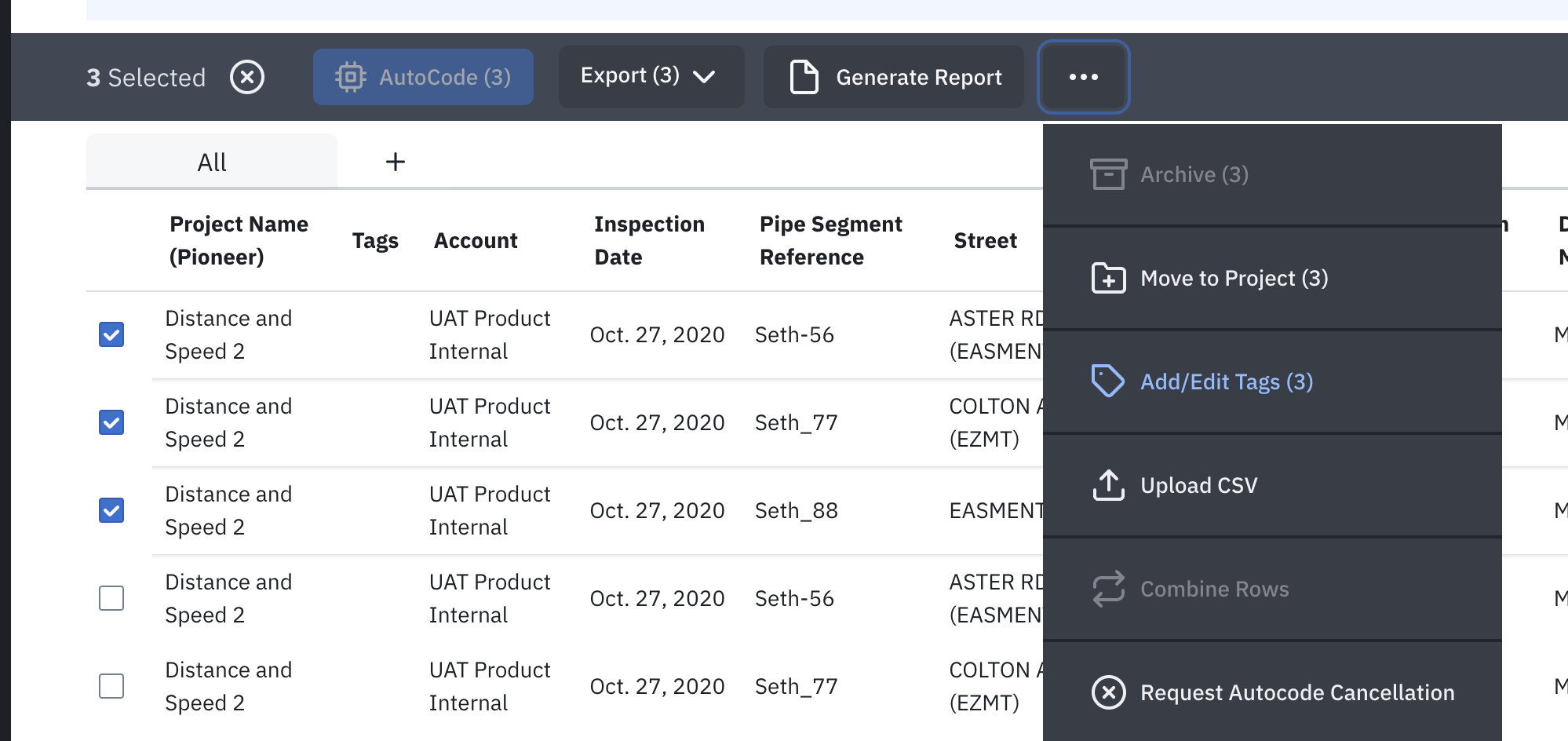
Select Inspections to Add Tags
Note: you don't have to tick boxes, the default is to add the whole filtered set
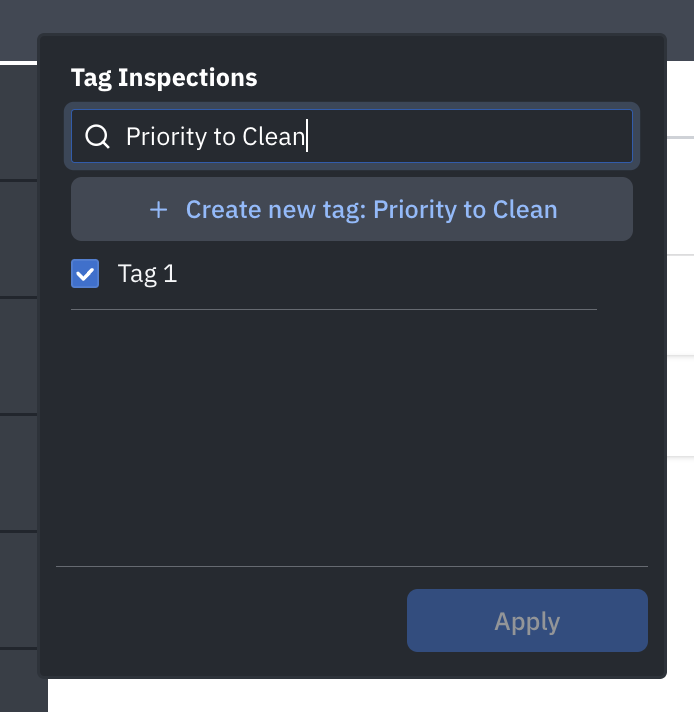
Create a New Tag
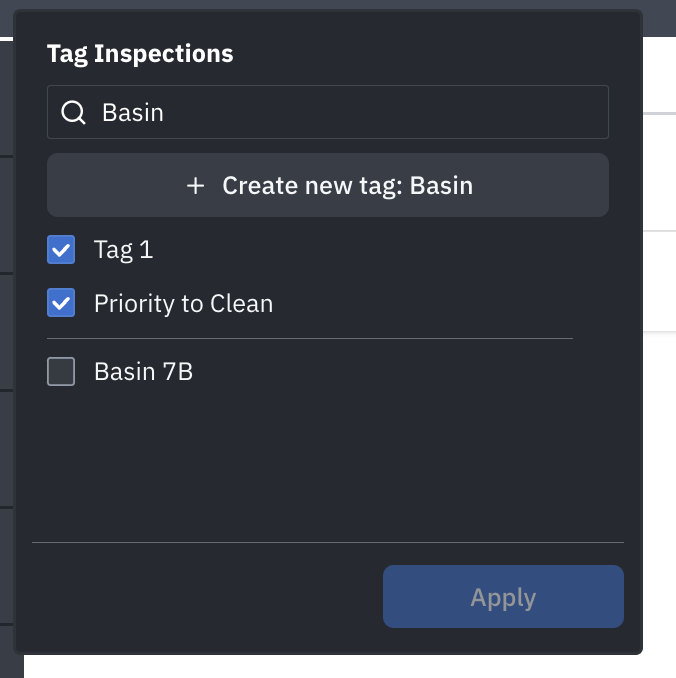
Search for an Existing Tag to Add
Expose the Tags Column on Dashboard
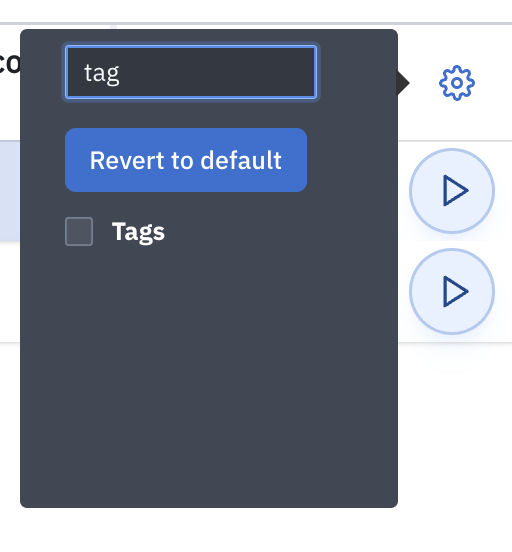
See Tags on the Dashboard

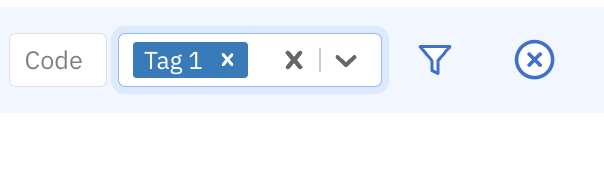
Filter for Tags
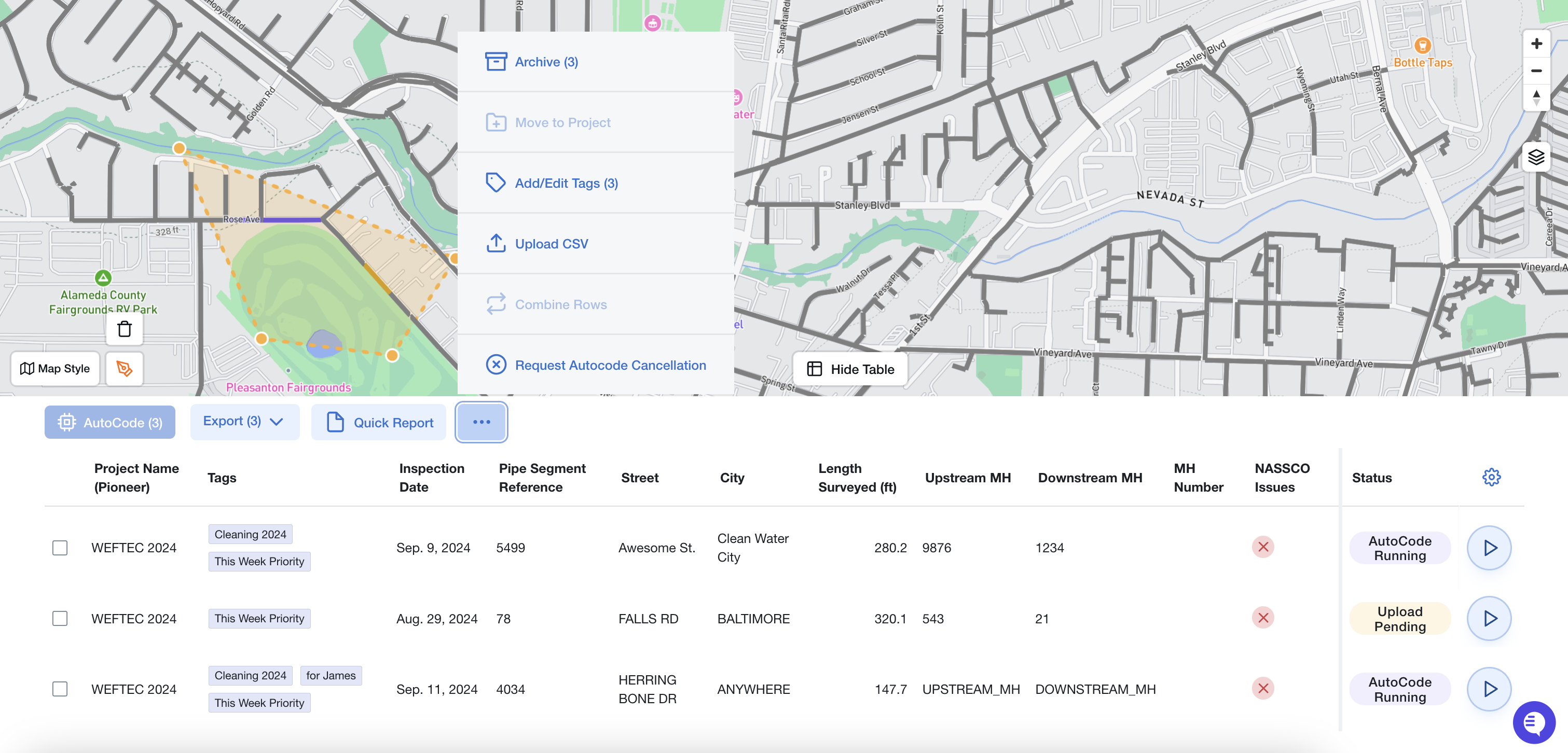
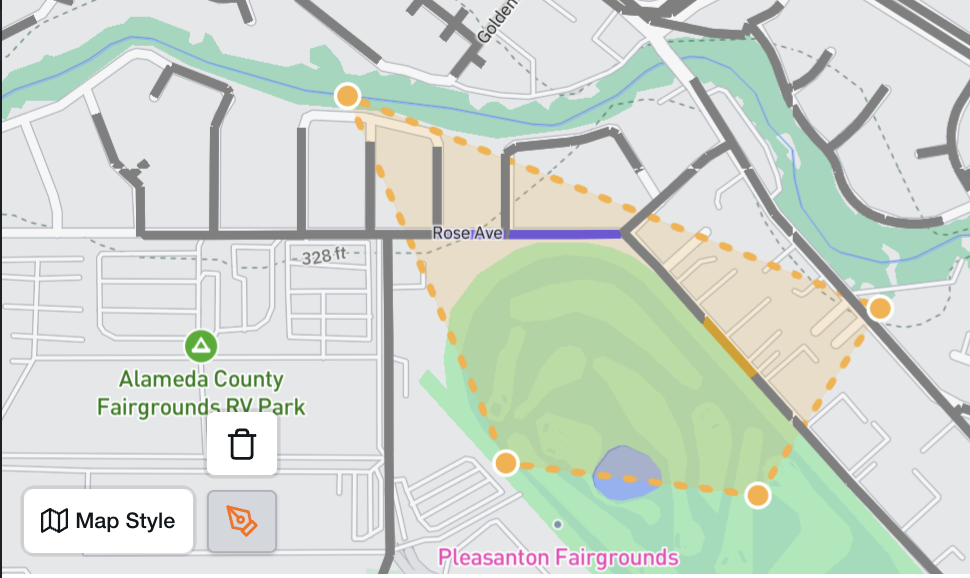
Alternative Path from Maps
Select Inspections with the Pen
Open the Table
Add Tags from the Table