Managing Cleaning Tasks
Last updated: January 29, 2025
Video Summary of Cleaning Management in PIONEER
Why It Matters
Sewer cleaning work comprises a huge portion of the day-to-day operations and maintenance tasks for contractors and utilities.
Until now, there has been no purpose-built solution for managing cleaning work; organizations tend to use paper forms for logs or make their own digital spreadsheets or forms
There is valuable data inside Cleaning activity - about the number of passes and level of debris - that can inform intelligent O&M programs, assisting in scehduling maintence, and also predicting future risk
SewerAI is linking Cleanings right into our Inspection platform, providing a user-friendly way to capture cleaning data including time spent, GIS location and photographs
Core Workflows - in Images
for the project manager / dispatcher / back-office leader
Find "Cleanings" in the left-hand navigation
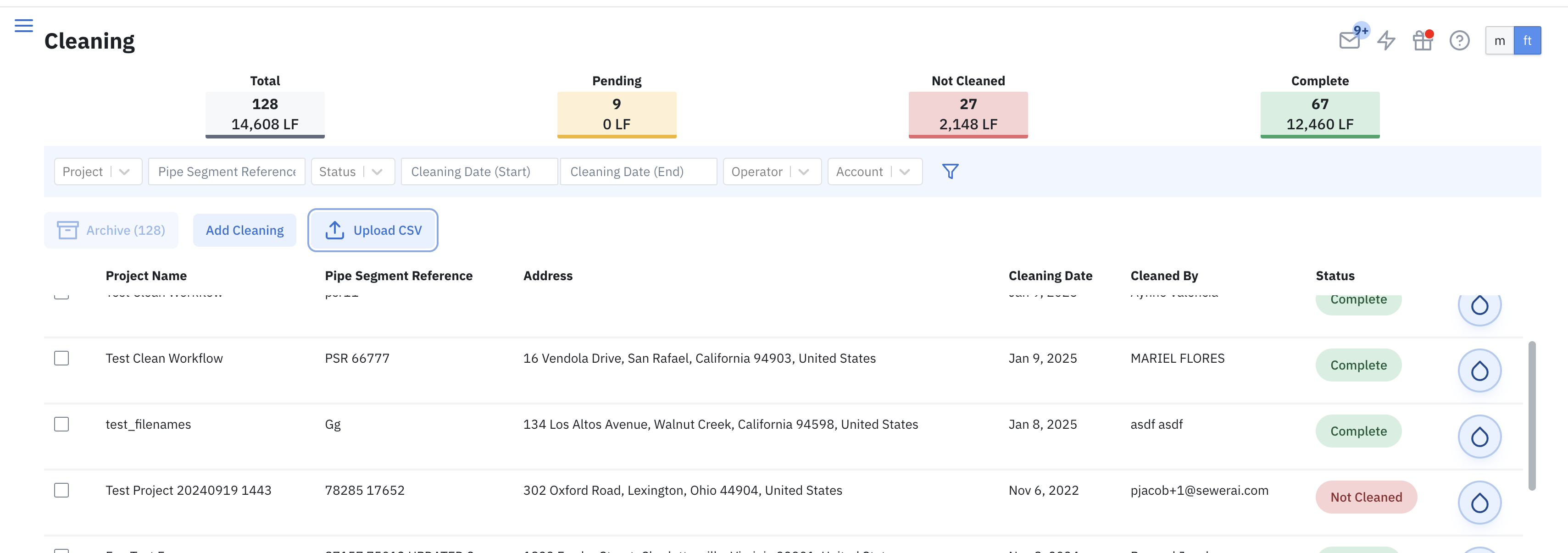
New Cleaning Page / Dashboard available here: https://pioneer.sewerai.com/dashboard/cleanings
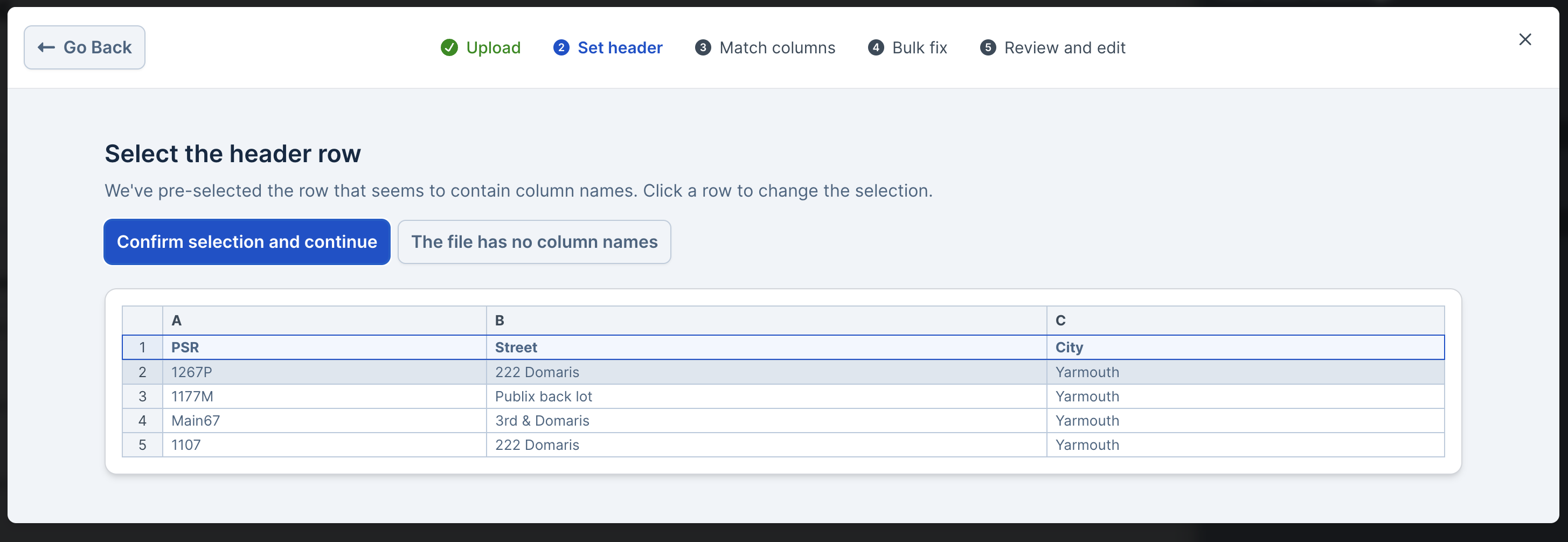
Use a CSV file to prefill lines that need to be cleaned into PIONEER; this tool uses AI-powered CSV importer tool
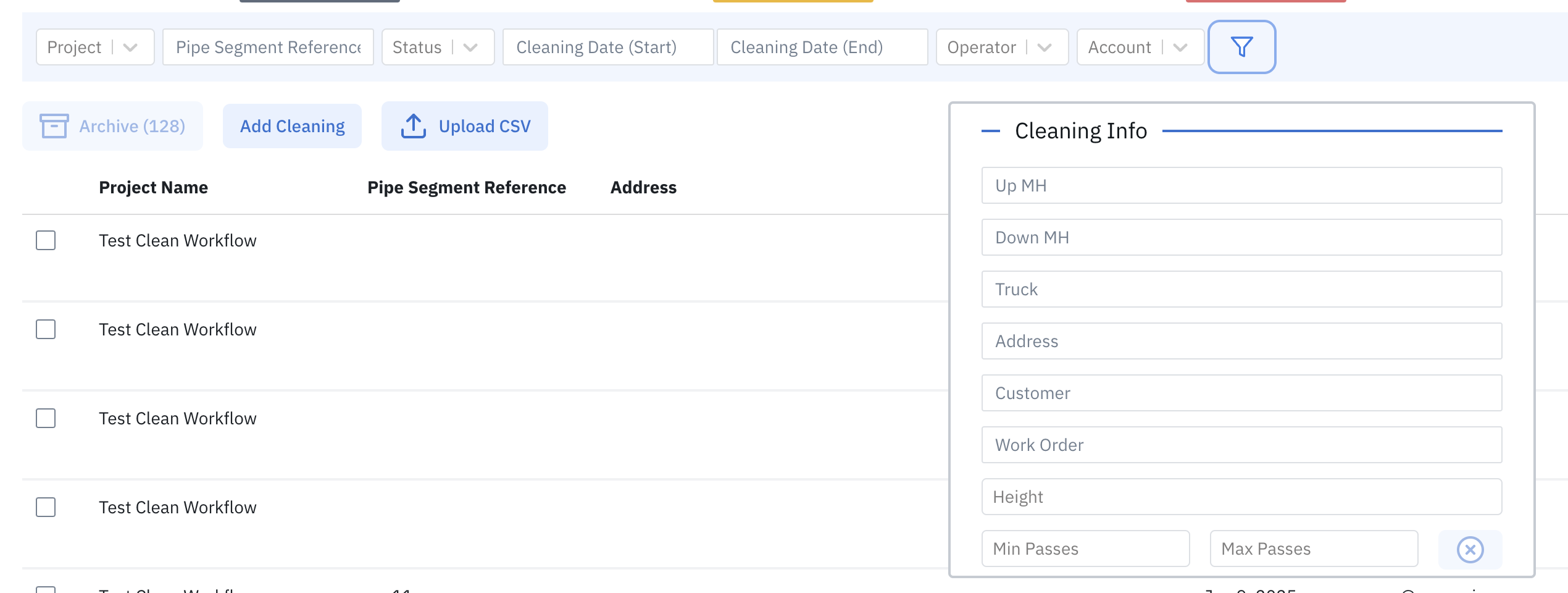
Filter and search the data as needed
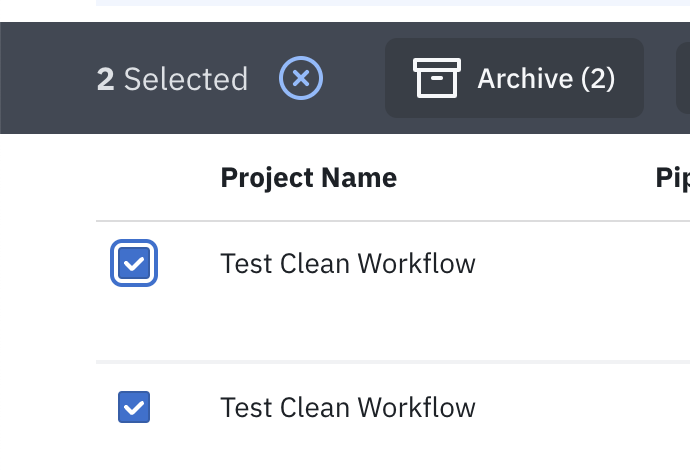
Archive data as needed
Export Cleaning Data to CSV
This button exports all cleaning data for the filtered or selected set of inspections. By default, it outputs ALL the columns on the cleaning table other than attachments.
For the Cleaning Operator
On a mobile device, open PIONEER on your phone browser. (Make sure to Update your app)
https://pioneer.sewerai.com/dashboard/cleanings
Click the "Add Cleaning" button
Start filling in the single page form. Input a small number of required fields.
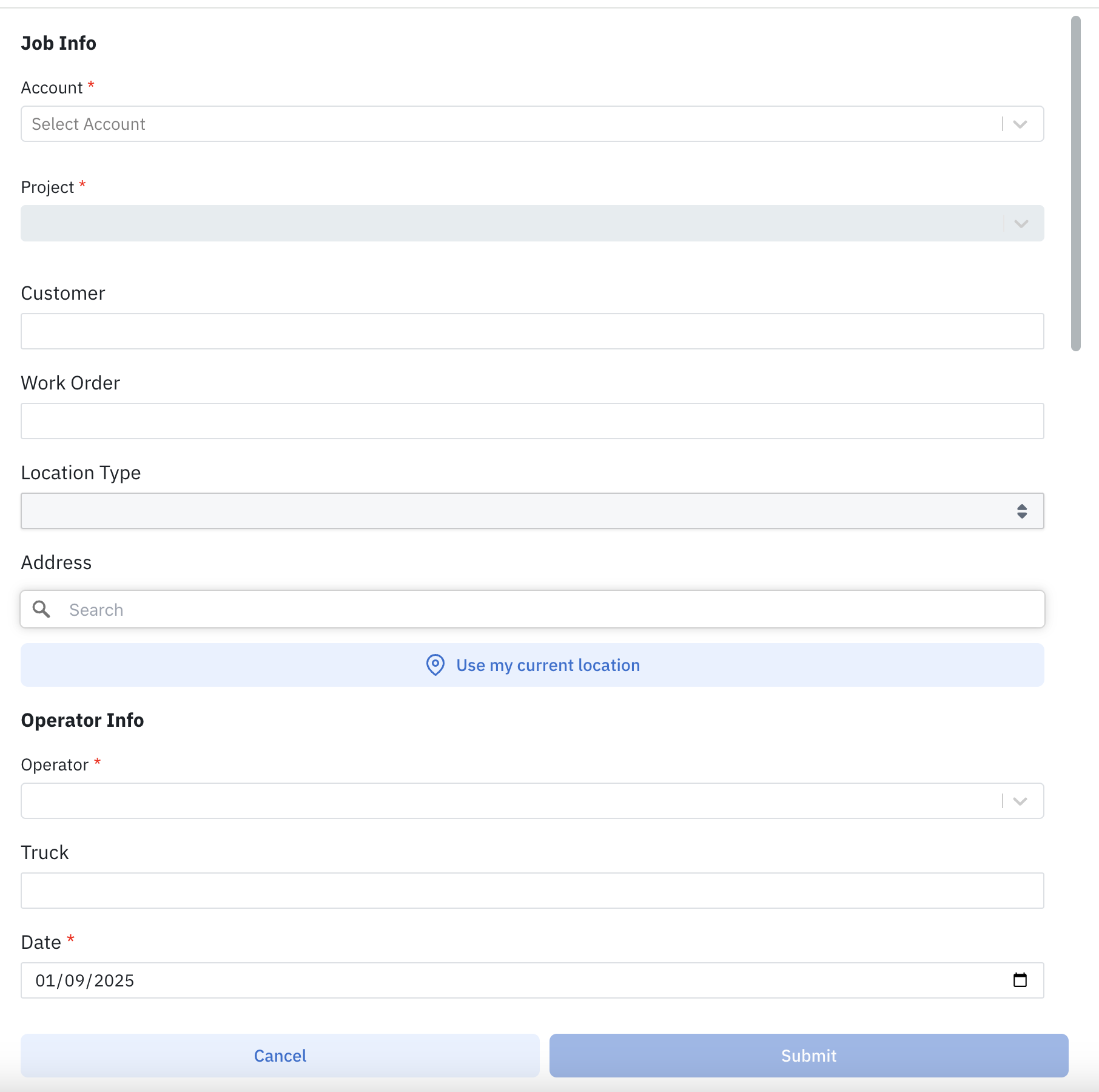
Grab your GPS location with "Use my current location"

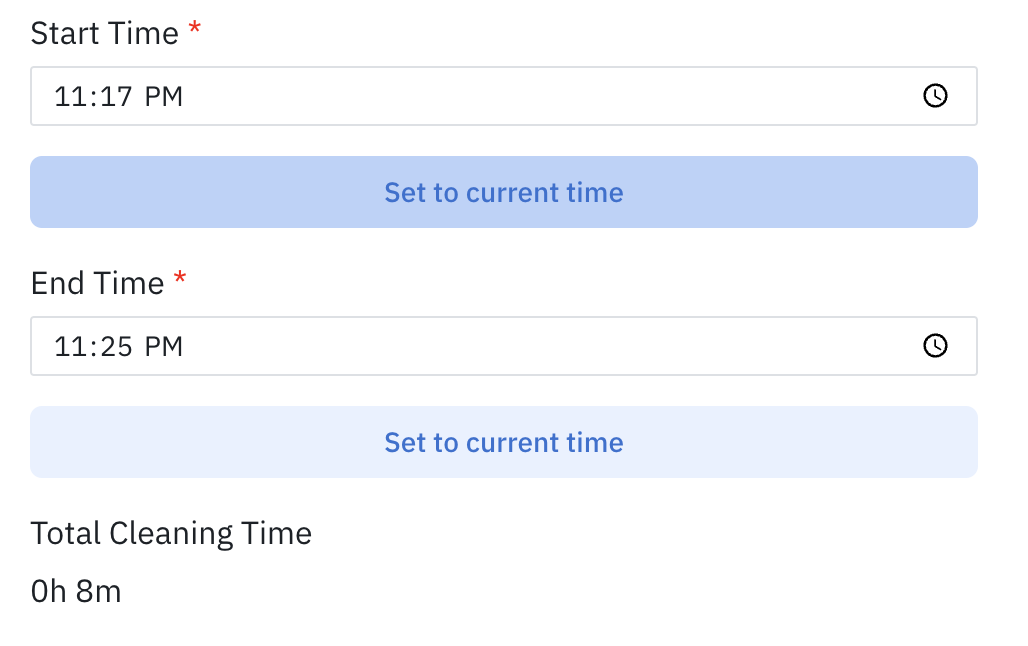
Use the handy timer to keep track of how long the cleaning took. Change the time as needed.
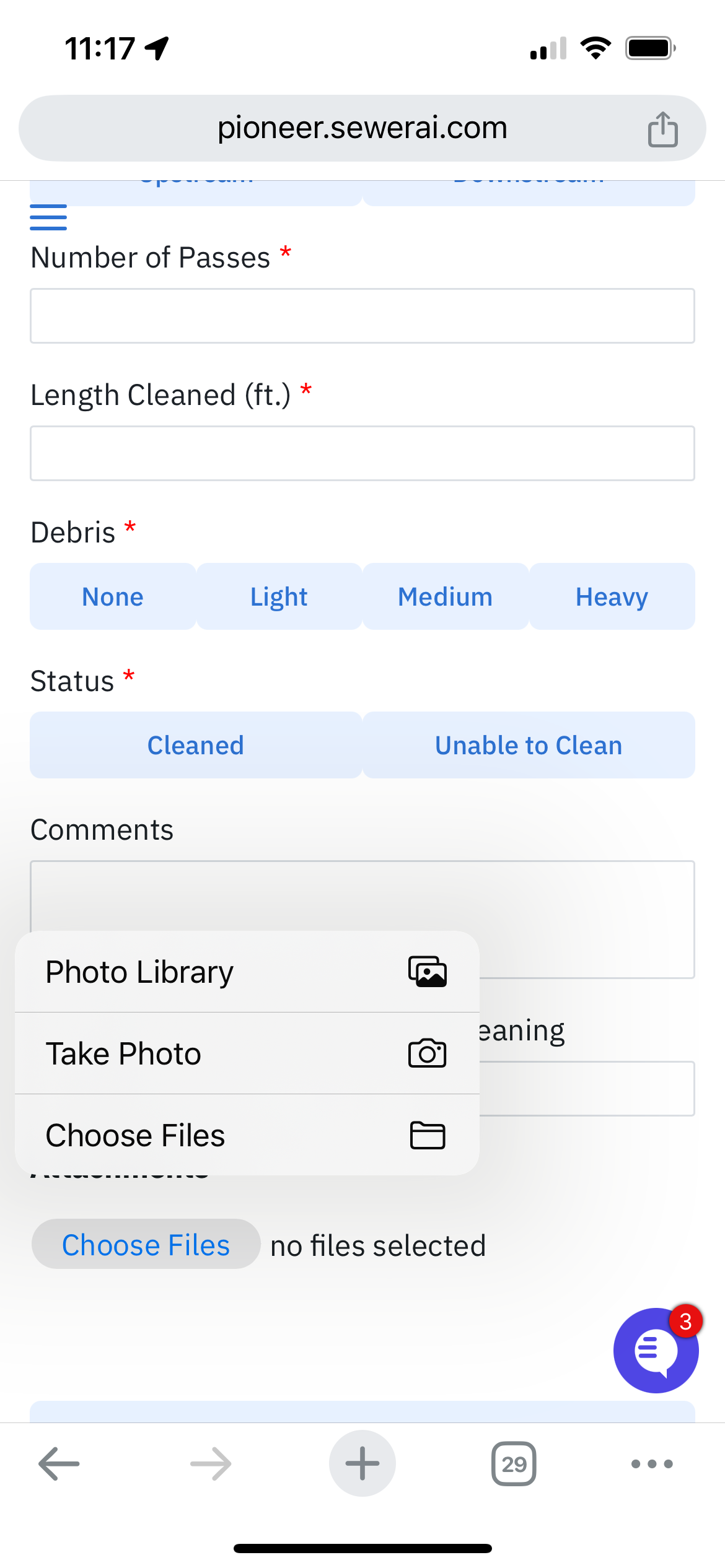
Attach photos right from your camera roll
Submit the data to the cloud at the end of the form