Manage and Track Projects in Pioneer
Last updated: April 24, 2026
Stay on top of project status, activity, and progress by setting targets and monitoring completion.
Keep Projects Organized
Quickly change the status of a project as work progresses.
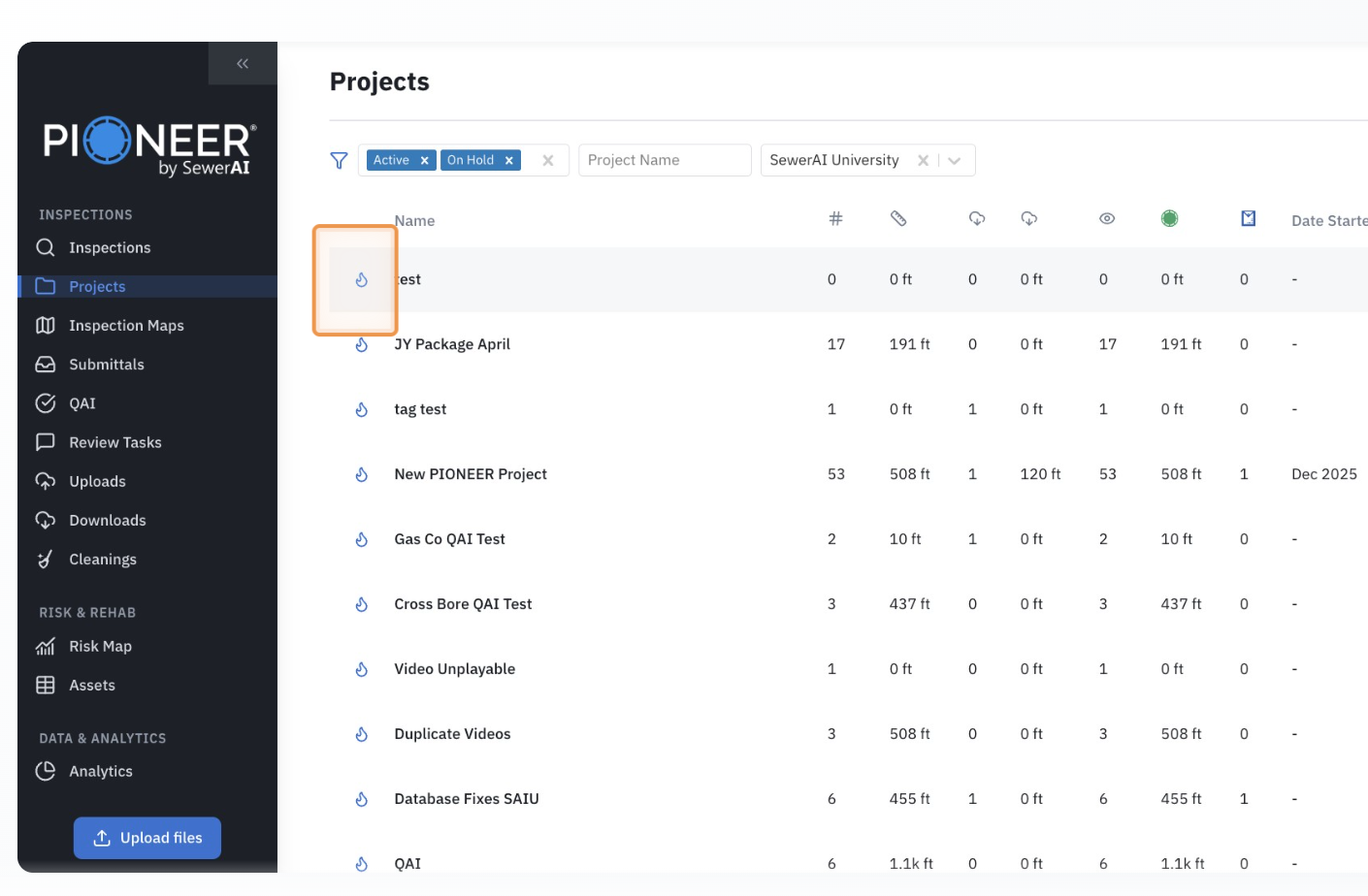
Stay Aligned Across Teams
Use Active, On Hold, or Closed to keep work clear and focused.
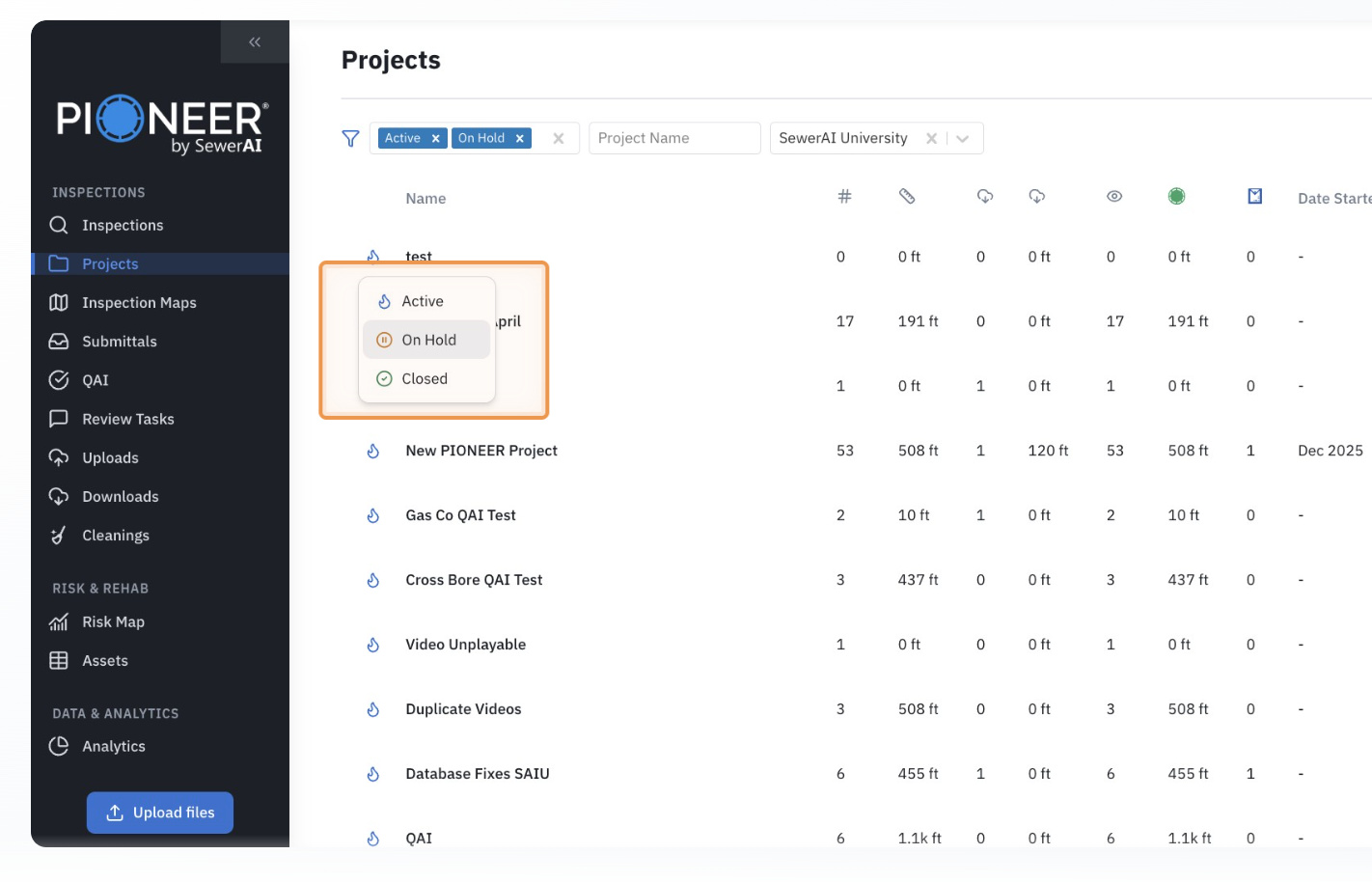
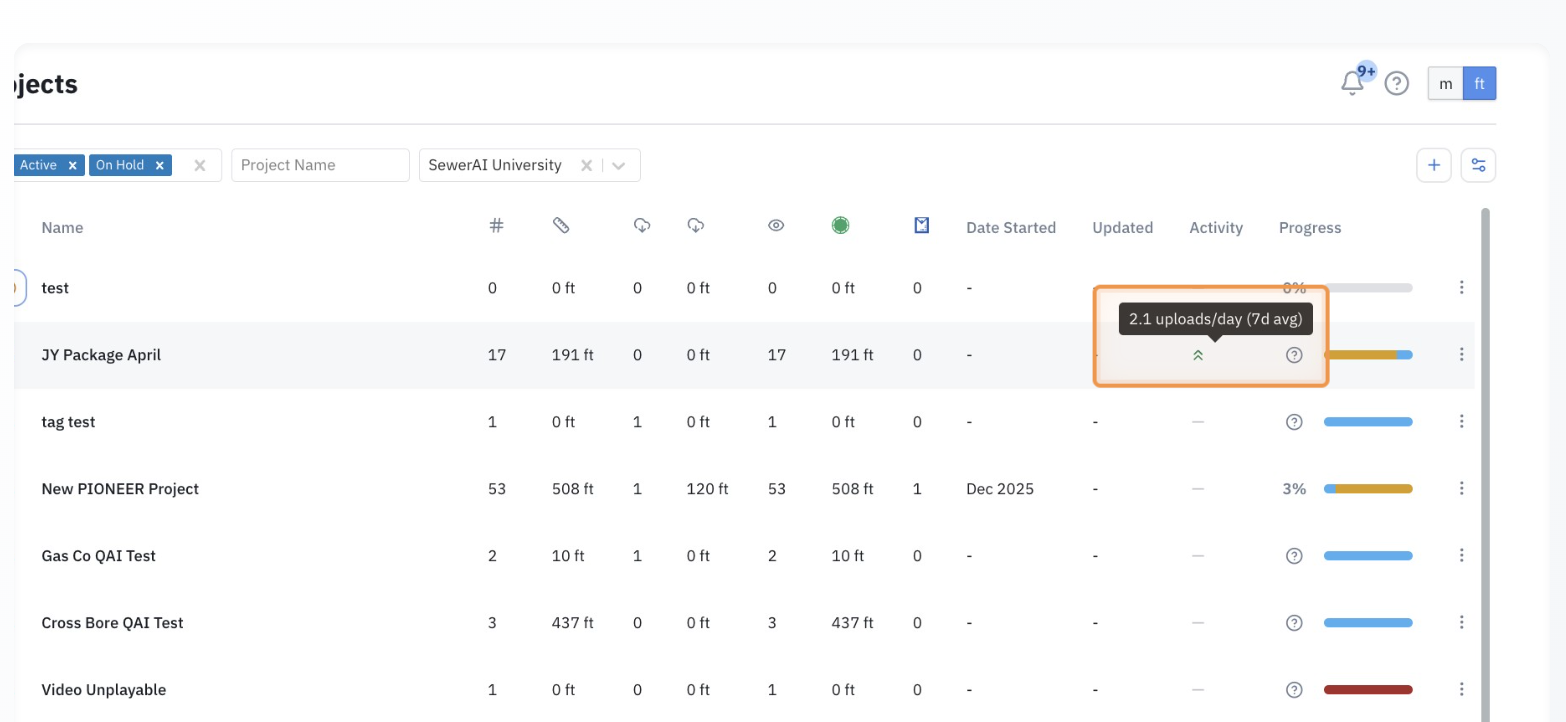
Monitor Daily Progress
Quickly see how work is progressing without running reports.
Set Targets for Each Project
Define your goals to track progress against real expectations.
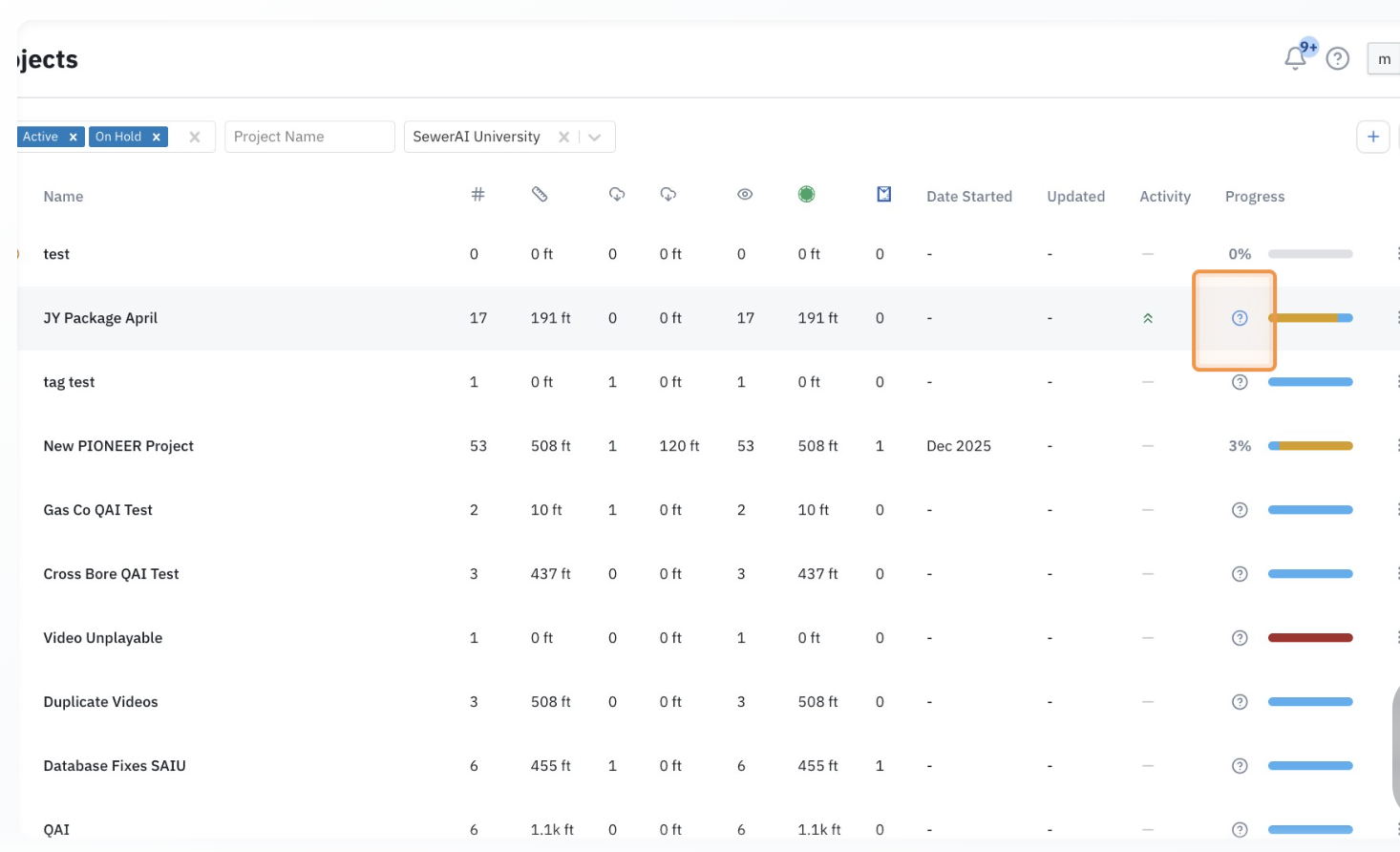
Enable Progress Tracking
Set expected inspections and footage to track incoming work against your targets.
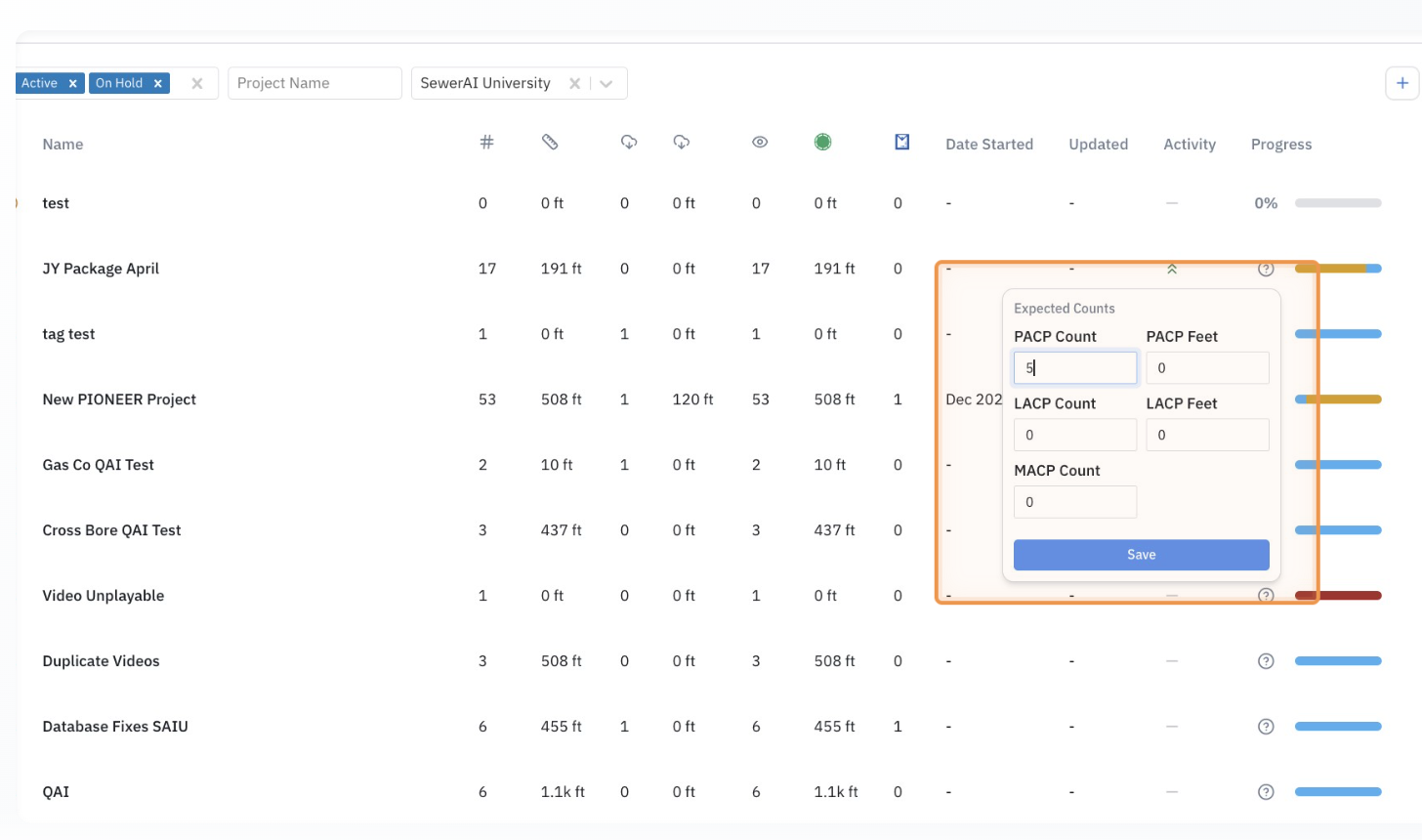
Tip: How Progress is Calculated
Pioneer tracks progress by comparing your expected counts to actual work completed.
If you set targets → you’ll see a progress bar
If no targets are set → no progress is shown
Progress updates automatically as inspections are completed
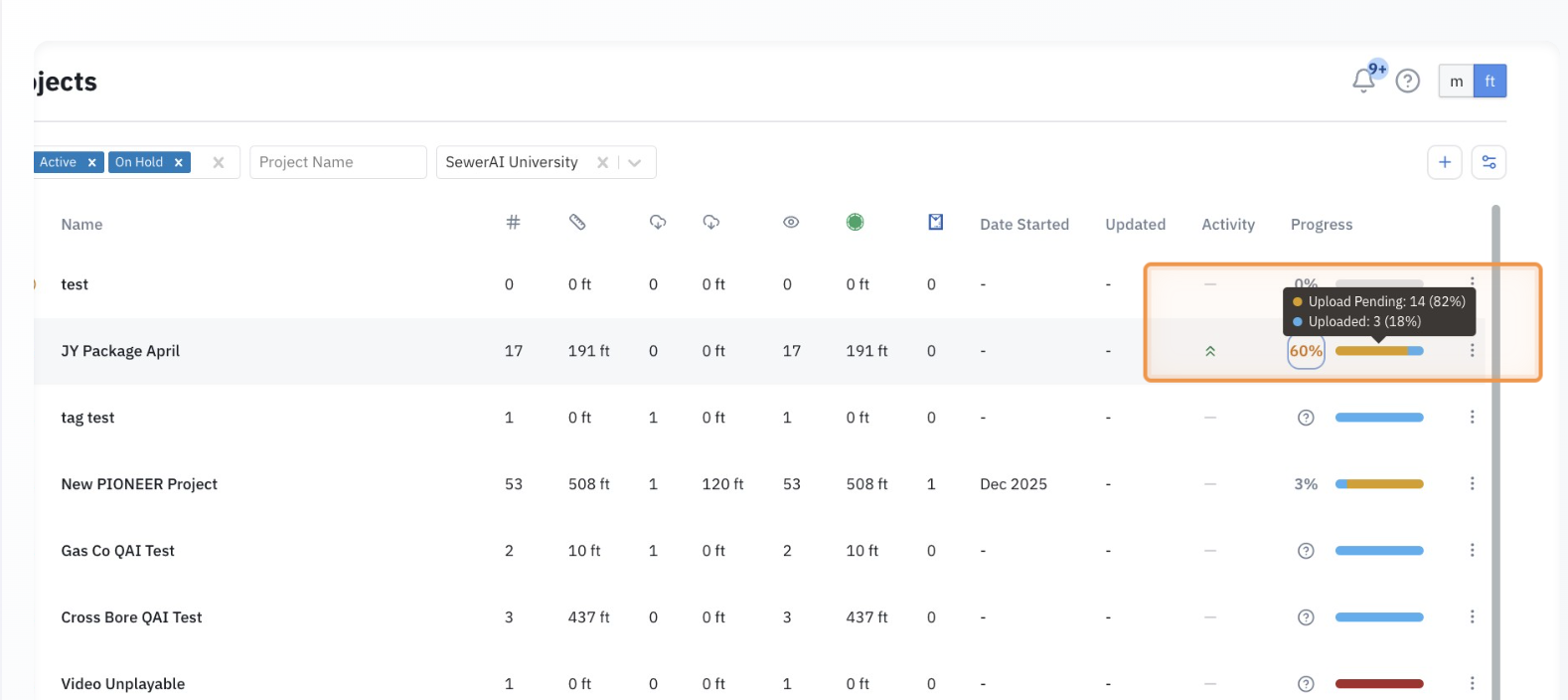
Track Progress at a Glance
Instantly see % complete and inspection breakdown.
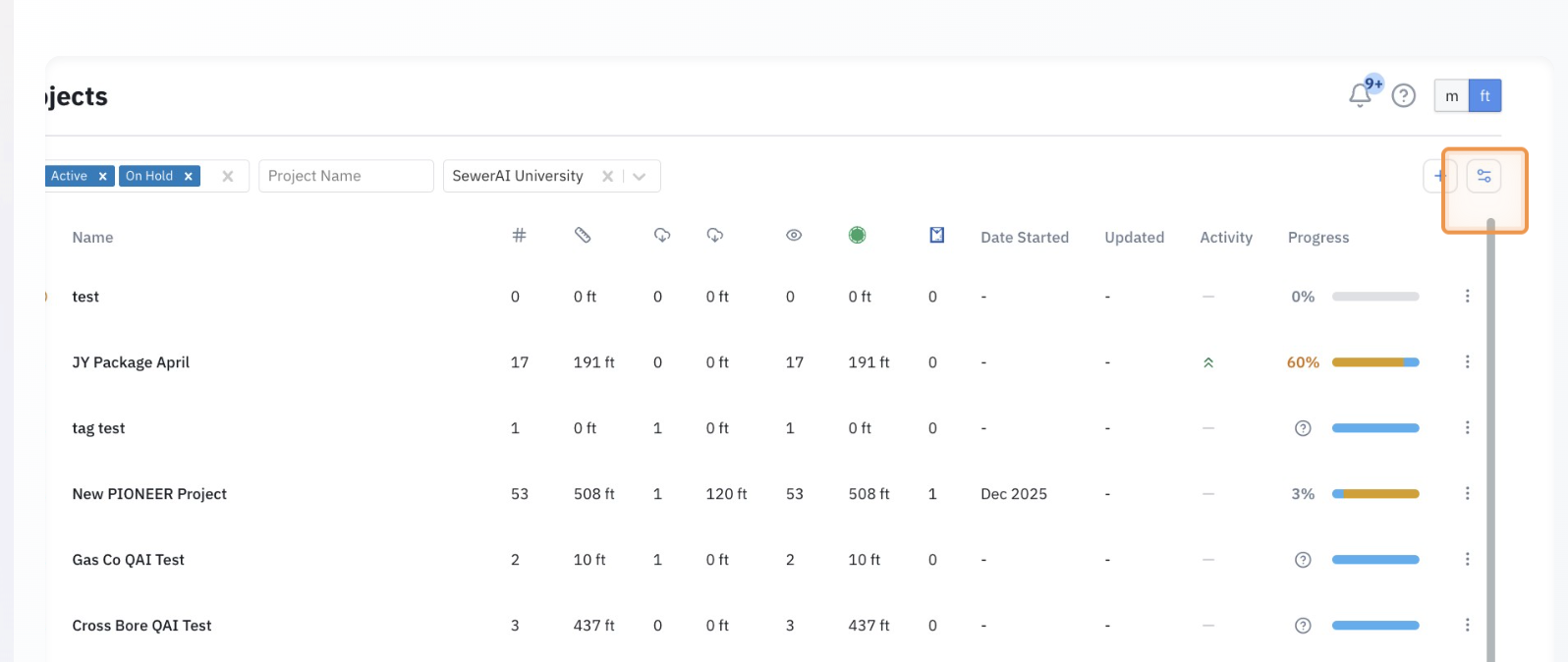
Customize Your View
Adjust your dashboard to show the data that matters most.
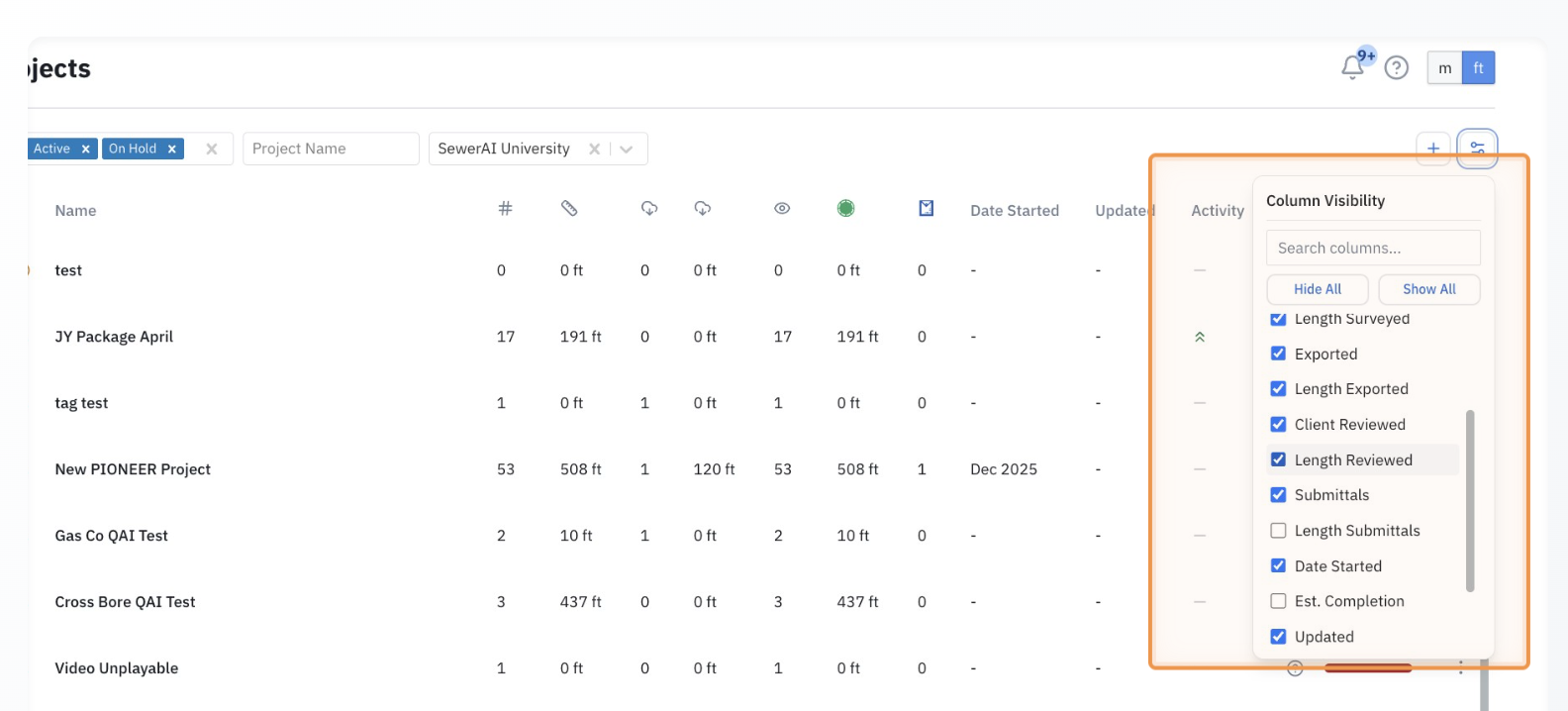
Focus on Key Information
Show only the columns you need for your workflow.
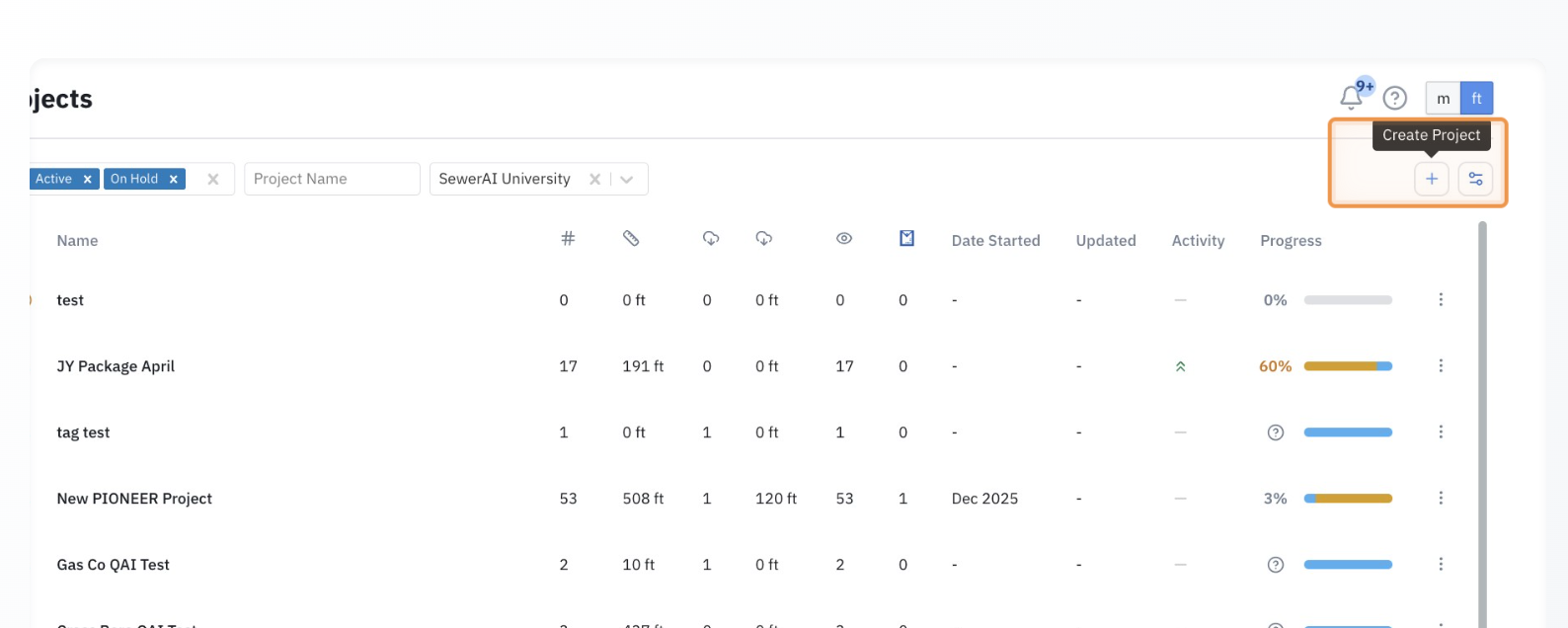
Create New Projects (Same as Before)
You can still create new projects the same way—no changes to this workflow.
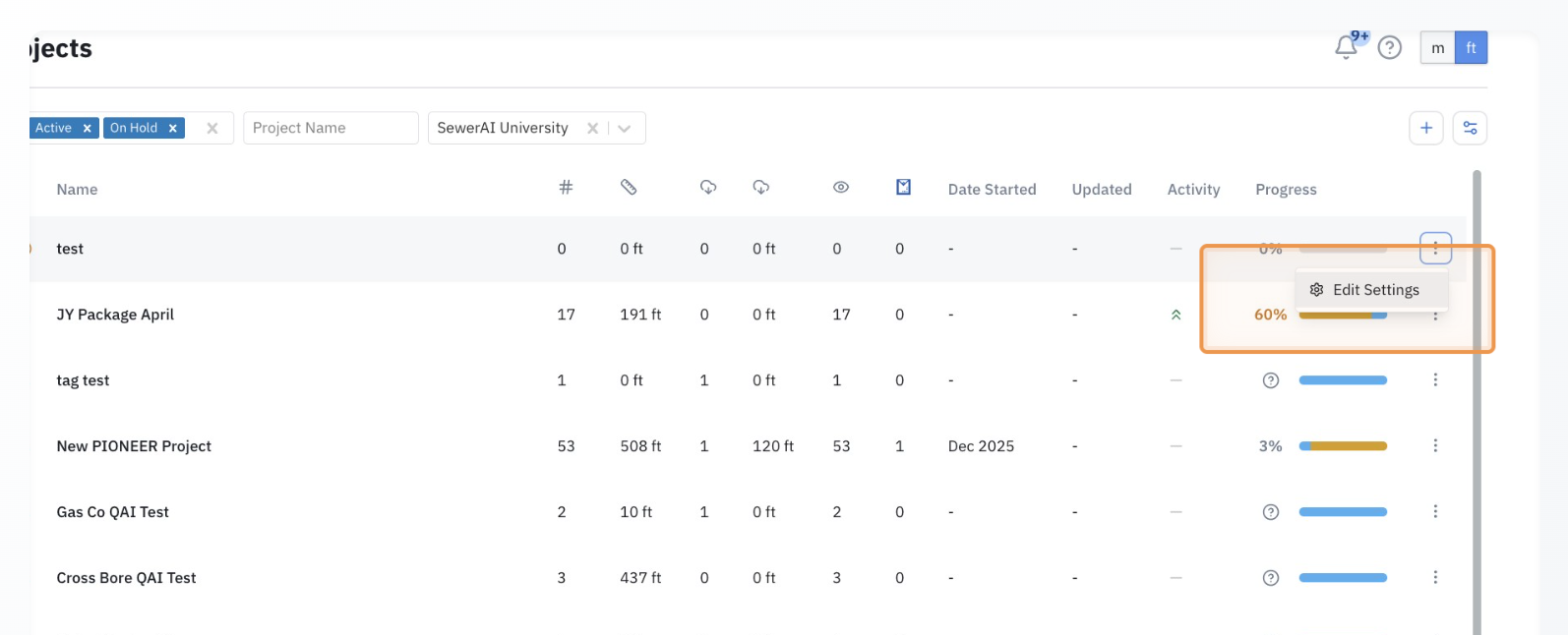
Edit Project Settings
Editing project settings works the same as before—no changes to this workflow.
Project Dashboard Columns Explained
Here’s what each column means and how to use it to manage your projects in Pioneer:
Column NameDescription | |
Status | Shows the current state of the project: Active, On Hold, or Closed. |
Name | The name of the project. |
Account | The account or organization the project belongs to. |
Goal State | Defines the stage of work you’re tracking (e.g., uploaded, reviewed, completed). |
Total Inspections | The total number of inspections completed in the project. |
Total Length Surveyed | The total footage inspected across the project. ( Displayed in feet or meters based on your settings.) |
Total Exported | The number of inspections that have been exported. |
Total Length Exported | The total footage that has been exported. |
Total Marked Reviewed | The number of inspections marked as reviewed. |
Total Length Reviewed | The total footage that has been reviewed. |
Total Submittals | The number of inspections included in submittals. |
Total Length Submittals | The total footage included in submittals. |
Date Started | The date the project began. |
Estimated Completion | The expected completion date for the project. |
Last Updated | The most recent update made to the project. |
Activity | Shows how active the project has been recently based on uploads. High → Work is progressing quickly Moderate → Steady activity Low/None → Little or no recent activity |
Progress (%) | Shows how much of the project is complete based on your targets. Compares actual work completed vs expected counts or footage Automatically updates as work is completed 👉 Tip: Set expected counts to enable progress tracking |
Progress Bar | Visual breakdown of project progress by status. Shows how inspections are distributed across different stages Helps you quickly understand where work is in the pipeline |