Point Clouds for Maintenance Holes in Pioneer
Last updated: November 14, 2024
The "point cloud" can be a powerful view for assessing the shape of and taking measurements of a maintenance hole (aka manhole).
A point cloud is generated out of data in a 360 video.
Seeing the Point Cloud: in Pioneer, you expose the Point Cloud with the module icon on our screen that looks like a raincloud:

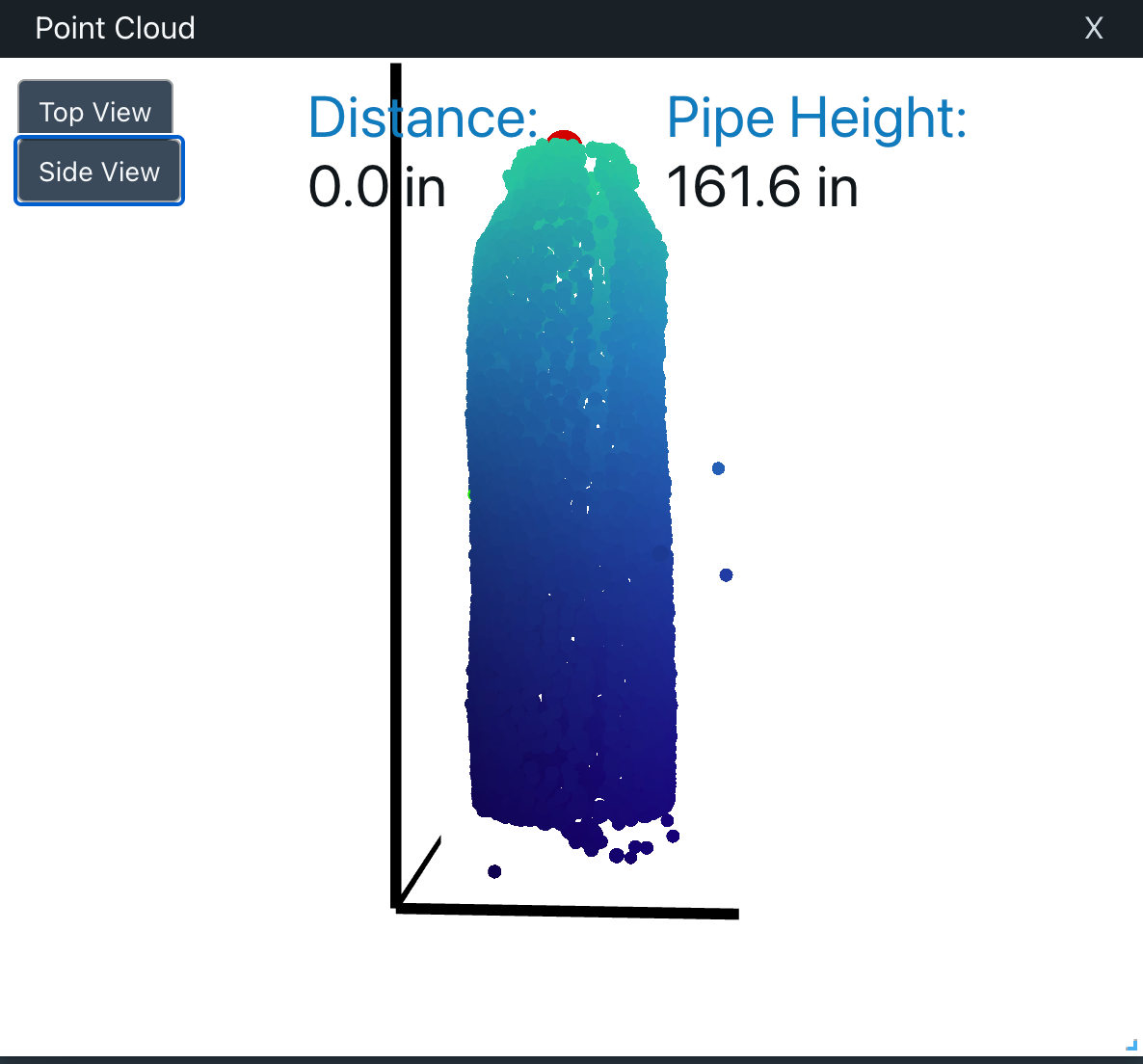
Zoom
To Zoom in and out of the point cloud, useMouse scroll wheel
"Pinch and zoom" gesture on a trackpad
Rotate
Click, hold and drag to rotate the imageTop View
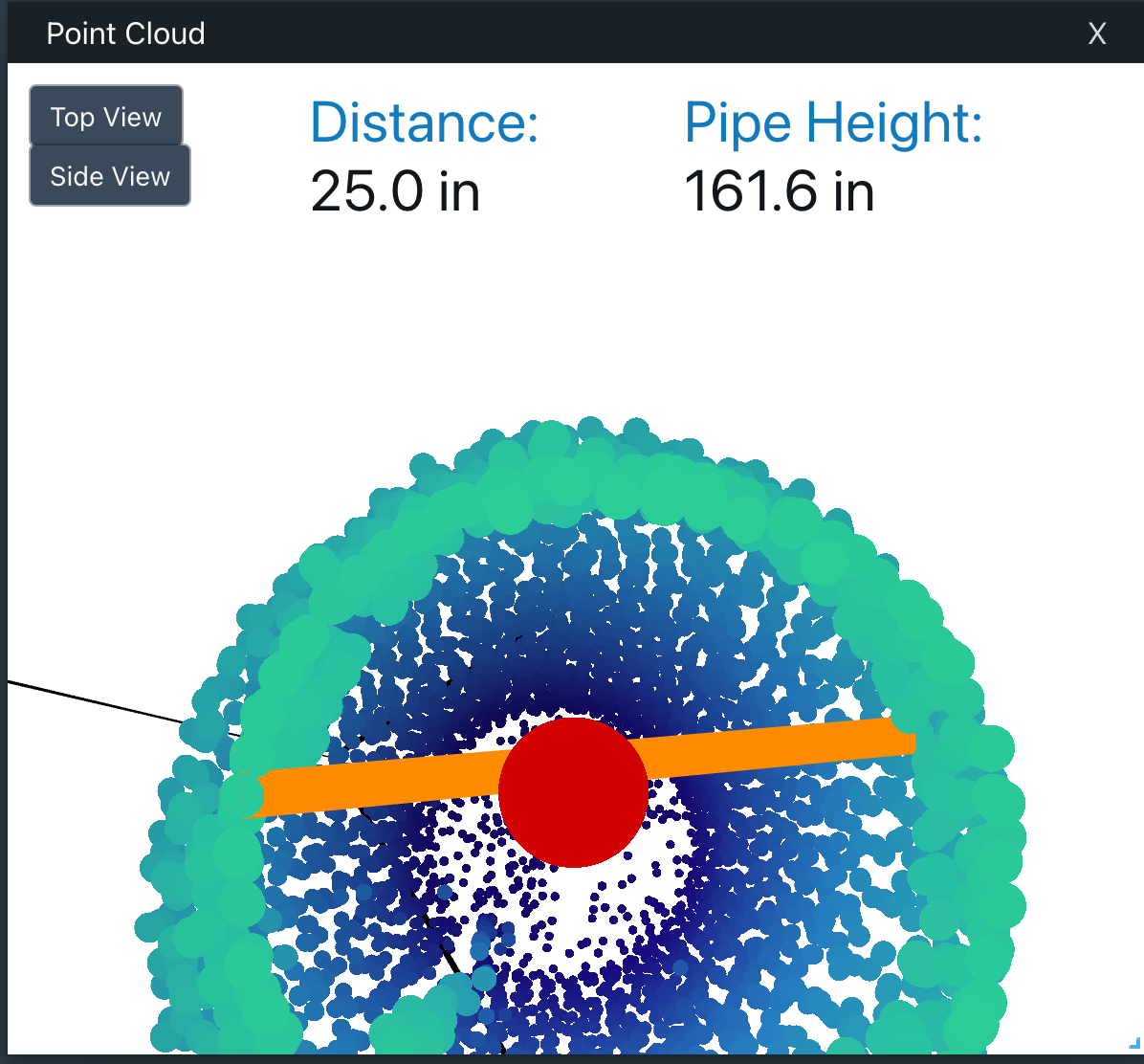
Click "Top View" to take a top look at the MH
The Red Ball represents the top and center of the maintenance hole.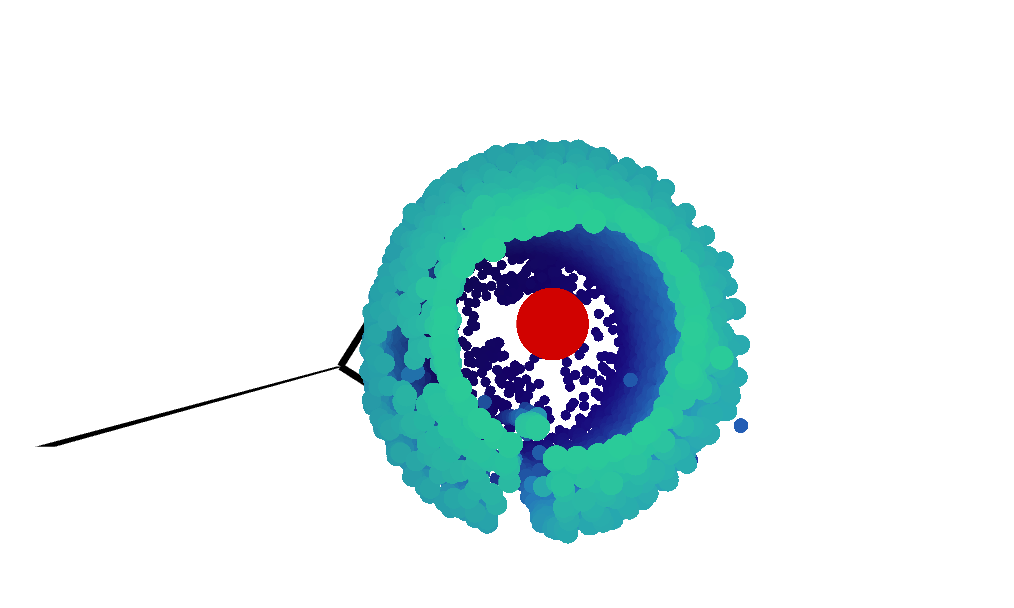
Taking Measurements
Click first one point, then another point, to take a measurement of the distance (in inches) between them. An orange line will be drawn indicating your measurement path.