Using AutoCode (AI-powered labeling)
Last updated: November 14, 2024
You want to leverage the power of our Artificial Intelligence to improve the speed and quality of your condition assessment? Great!
Our computer vision / AI system is called AutoCode™.
Make sure your Account is enabled for AutoCode, which means having a paid plan with SewerAI. We do not enable AutoCode for demonstration accounts.
To sign up, contact us at + 1 (855) 952-2200 or sales@sewerai.comSelect the inspections you want to run AI / AutoCode on
Click the "AutoCode [#]" button
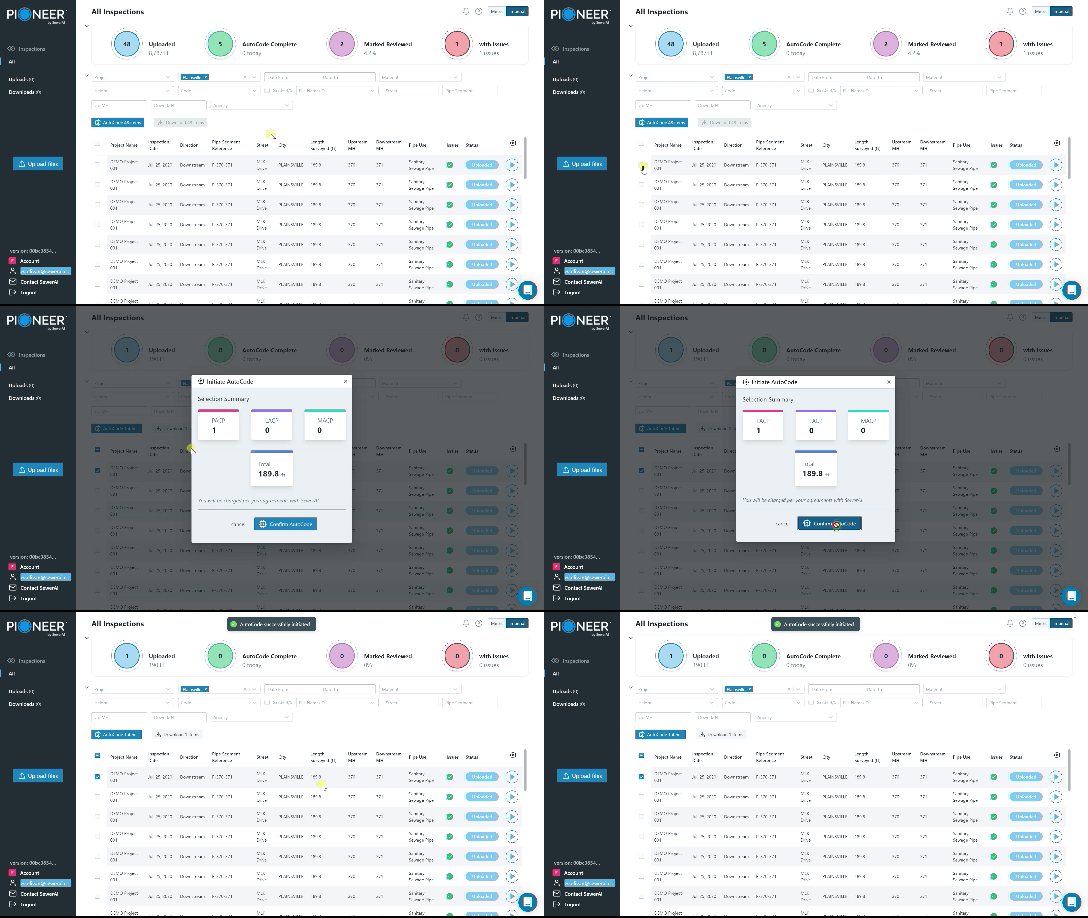
It's that simple.
The Status of those inspections will change to "AutoCode Running."
If you have Notifications enabled, you will get an alert in your browser when the inspections have finished being QA/QC'd by our team.