Signup and Login to Pioneer
Last updated: April 6, 2026
Access PIONEER at pioneer.sewerai.com
PIONEER offers multiple sign-in options:
Email + Password
Google Sign-In
Microsoft Sign-In
If you were invited by someone on the SewerAI team, be sure to log in using the same email address that received the invitation.
First-Time Access
If this is your first time using PIONEER, you’ll need to create an account before logging in.
Create your account
Go to pioneer.sewerai.com/signup
Enter your work email address
Create a password and click Continue
Check your inbox for an email titled “Verify Your Email for PIONEER by SewerAI”
Click Confirm My Account
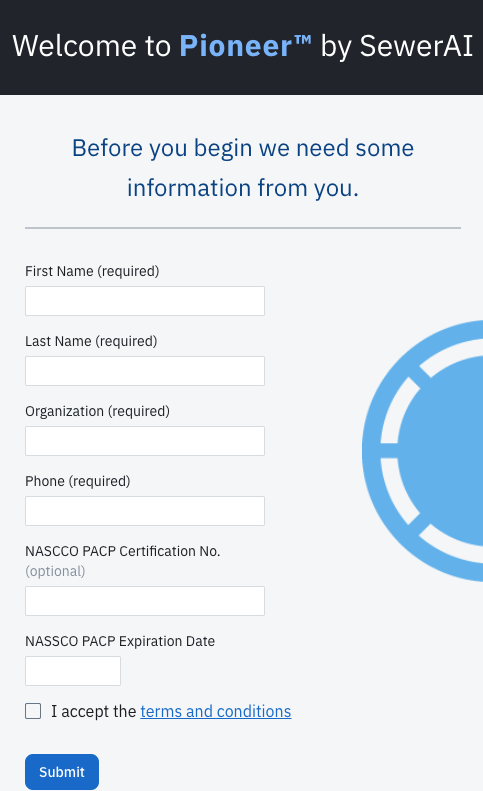
Complete your profile information and accept the Terms of Service
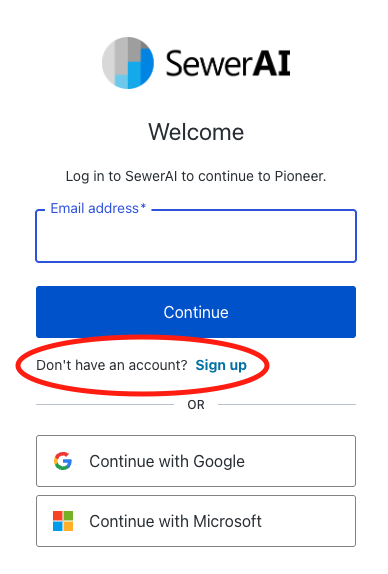
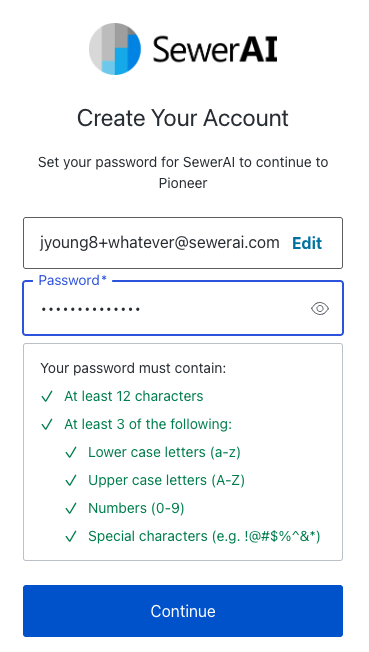
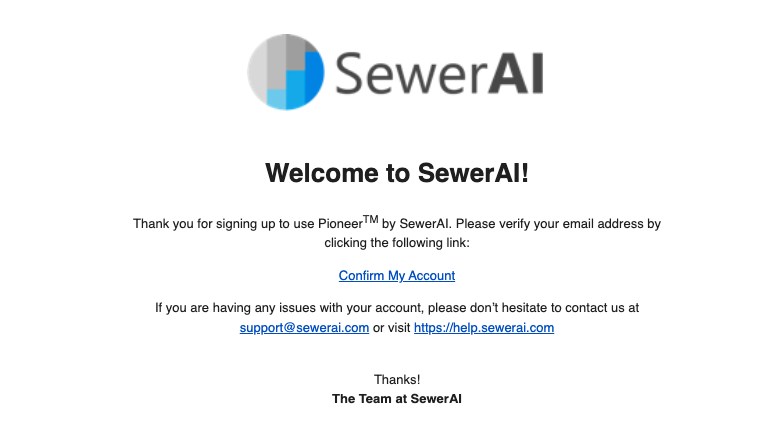
Once that’s done, your account is ready to use.
Tip💡: You can also sign up using Google or Microsoft SSO instead of creating a password.
Information Required at First Login
When you log in for the first time, you’ll be prompted to provide a few details:
Organization name
Phone number
Acceptance of Terms and Conditions
If applicable, you’ll also be asked for your NASSCO PACP certification. Since PIONEER is NASSCO-certified software, this is required to edit inspections.
How to Log In
Once your account is set up, logging in is quick:
Go to pioneer.sewerai.com
If you are not automatically logged in, click Log In in the top-right corner
Choose your preferred method:
Enter your email and password
Click Continue with Google
Click Continue with Microsoft
Click Sign In
You’re now logged in and ready to use PIONEER.
What You’ll Have Access To
Existing Customers
If your organization is already working with SewerAI, you’ll have access to your team’s account and any existing data.
Your level of access is determined by your account admin:
Inspector: Can upload/download data and edit inspections
Viewer: Can view data only
Demo Users
If you’re signing up for a demo:
A new organization will be created for you
You can upload up to 100GB of data
You can review videos and manually code inspections
AutoCode and data downloads for submittal are not available
Common Login Tips
Use the correct email address if you were invited
If you signed up with Google or Microsoft, continue using that same method
Check your spam/junk folder if you don’t see your verification email
Still having trouble? Contact help@sewerai.com